Type it once. Tell everyone.
Most of running a club or a race is typing the same thing into five places. These four tools take what the site already knows and do the telling: a weekly message and picture, a route library, volunteer sign-up and a runner info pack.
This week
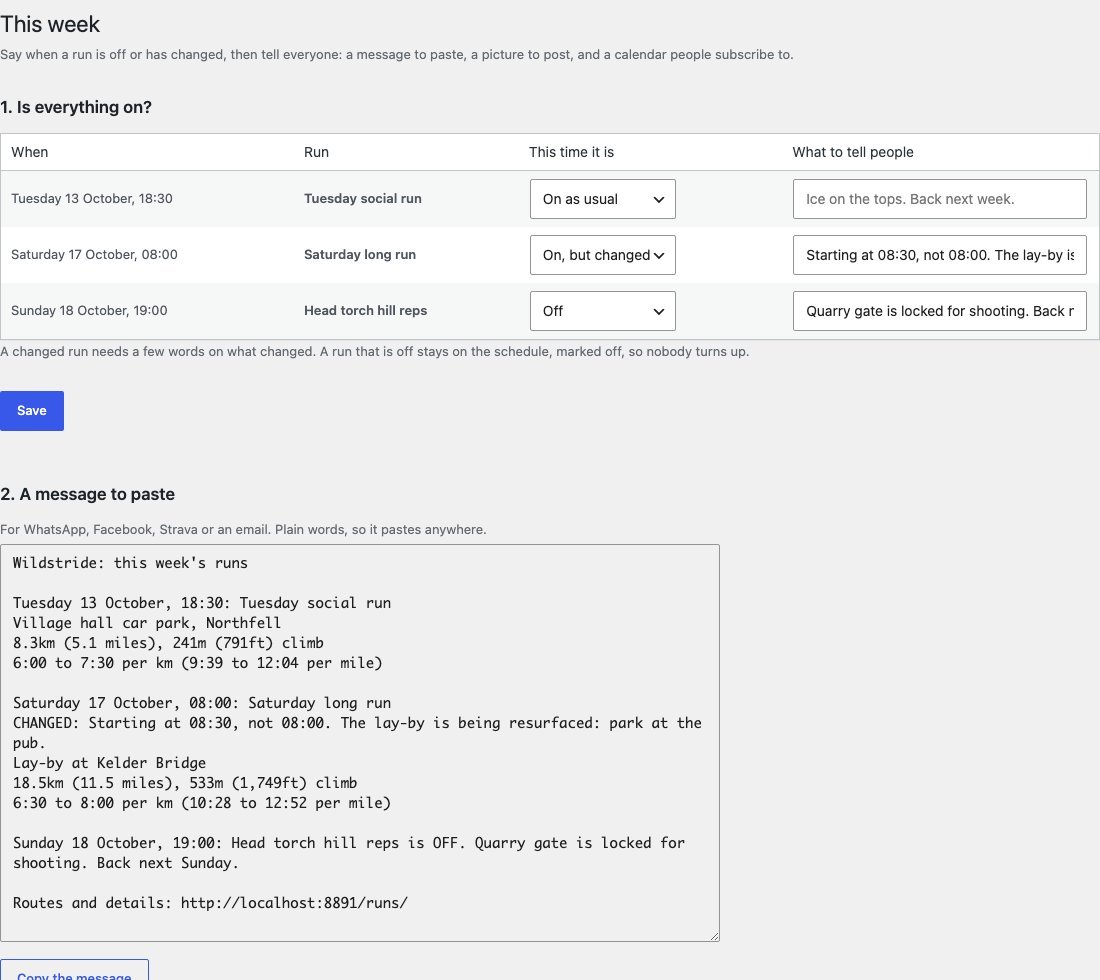
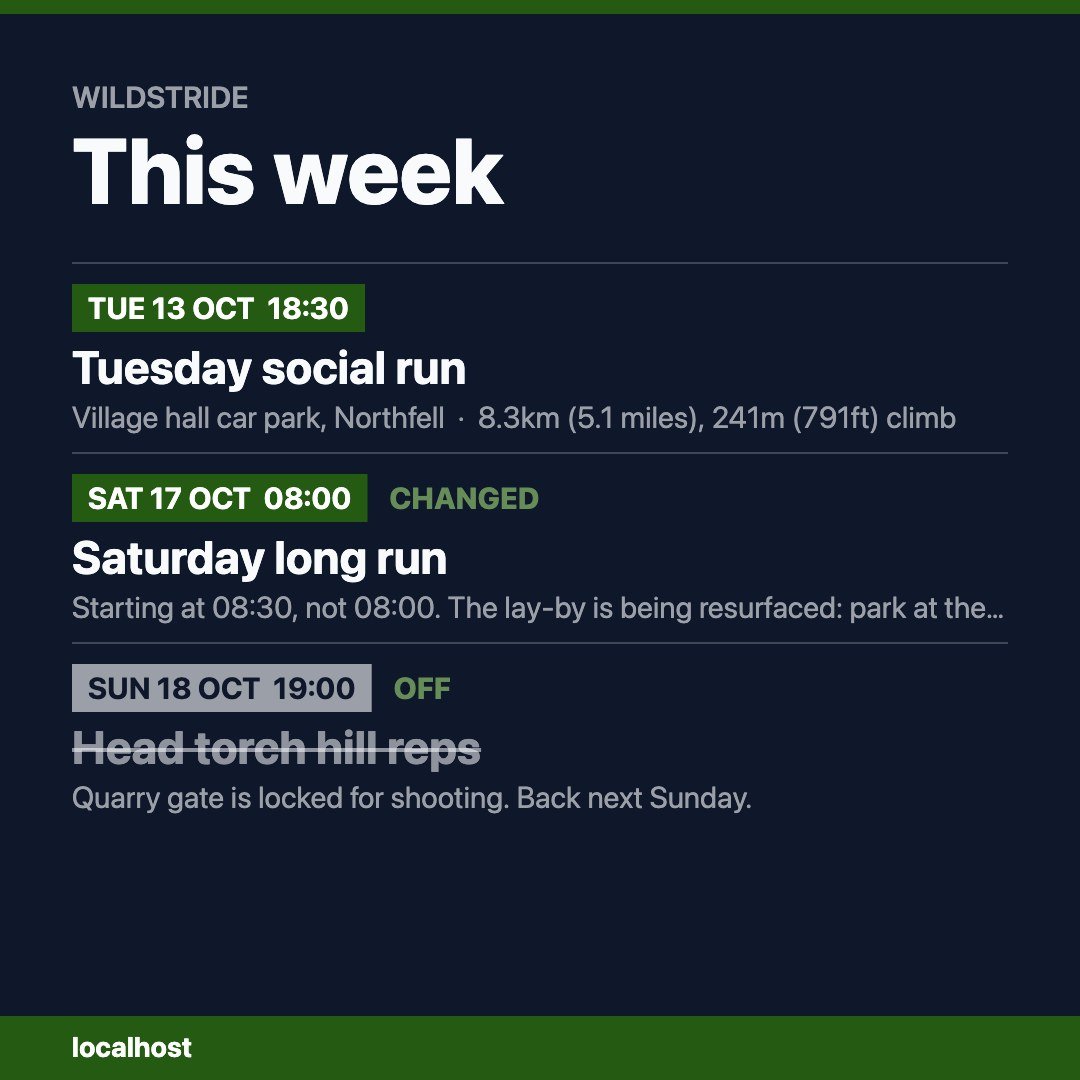
for a clubOne screen in wp-admin. Say a run is off or changed, then copy a message for the group chat and download a square picture. The schedule and the calendar feed carry the same news.
Add the runs to your calendarIt stays up to date, cancelled runs included. Calendar file
Route library
for a clubA club’s routes usually live in one member’s Strava. Here every GPX on a run is also a page of routes: distance, climb, a profile, a map and the file.
Volunteers
for an eventList the roles and how many people each needs. The event page shows the places left and takes a name, an email and a role. Names never appear on the site. The organiser gets an email for each sign-up and reads the full list on the event’s edit screen.
Runner info pack
for an eventThe “final instructions” PDF, without making one. Start times, the numbers in both units, kit lists and the course come from the event. The organiser adds parking, registration and cut-offs. Runners print it or save it as a PDF.