One theme, two plugins, and a made-up race outfit.
Wildstride isn’t real. It’s a demo of what a running club or a race organiser gets from the RacerPacer plugins on a normal WordPress site. This page says which part does what. The pages under it show every block on its own.
The RacerPacer plugin
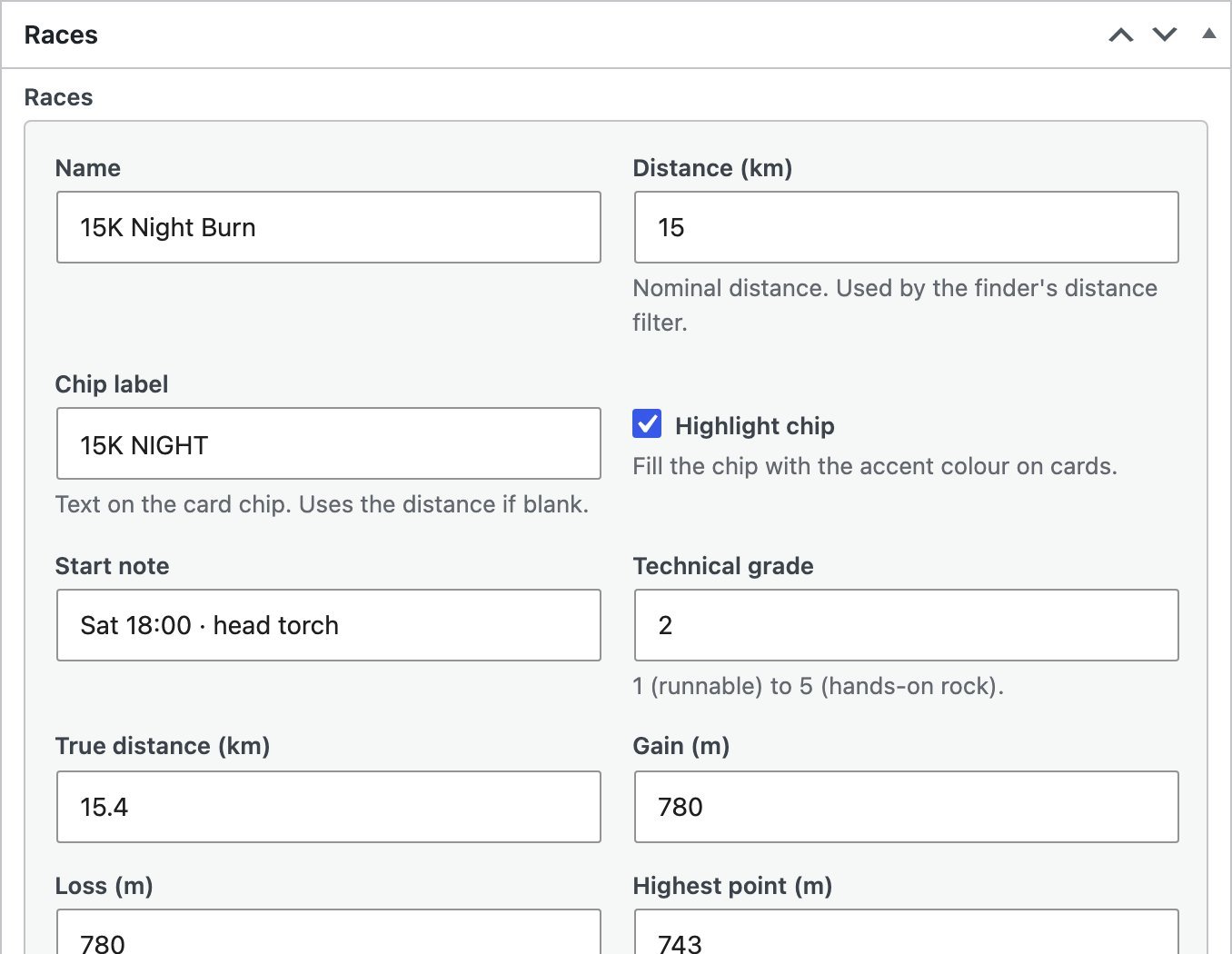
Club runs and race events. A run is one date or weekly, with a meeting place, a pace and an optional route. An event is a weekend with one or more races, each with its distance, climb, kit list and GPX. Fourteen blocks draw them: the schedule, the next run, the club card, the event grid, the race finder, an event’s own page, and what happened afterwards.
RacerPacer Maps
The maps and the GPX handling. A pin for where a run meets, an event’s start, checkpoints and finish, and the route line from an uploaded GPX. It also has a Map block of its own that works on any site. It’s optional: switch it off and a run still shows its address and a Get directions link.
The Wildstride theme
The look: the “Blue hour” colours, three typefaces, the header, hero, bands and footer, and a light and a dark mode. The plugins’ blocks take the theme’s colours, so they change with the toggle in the header. The plugins work in any other theme too, with their own colour sets.
The content
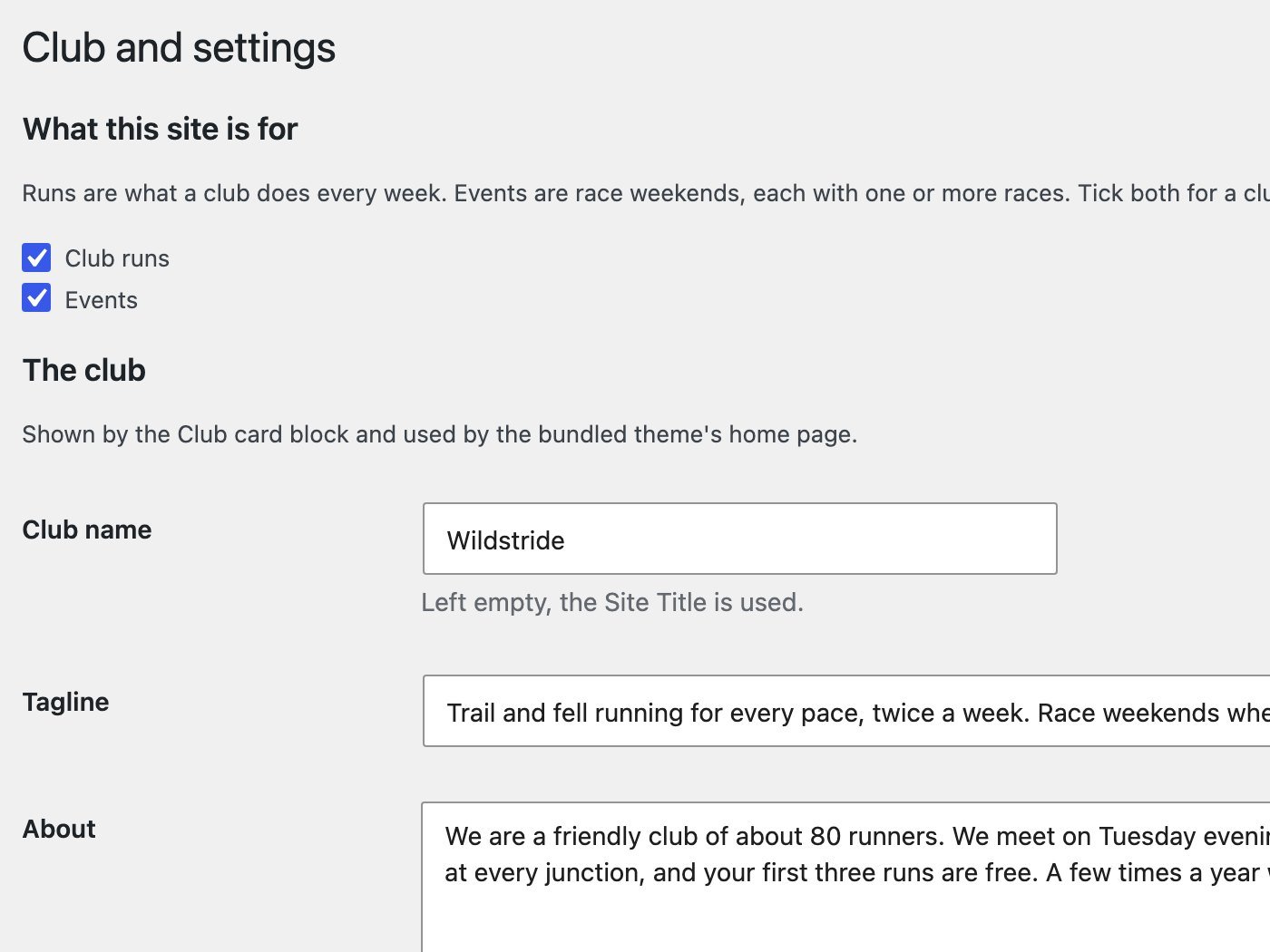
All of it is fictional: Wildstride, its home club, the people, the six club runs and the fifteen race weekends. The runs and events are the demo set each plugin can load for you from its settings page, so you can start from the same place.
What you edit
in wp-admin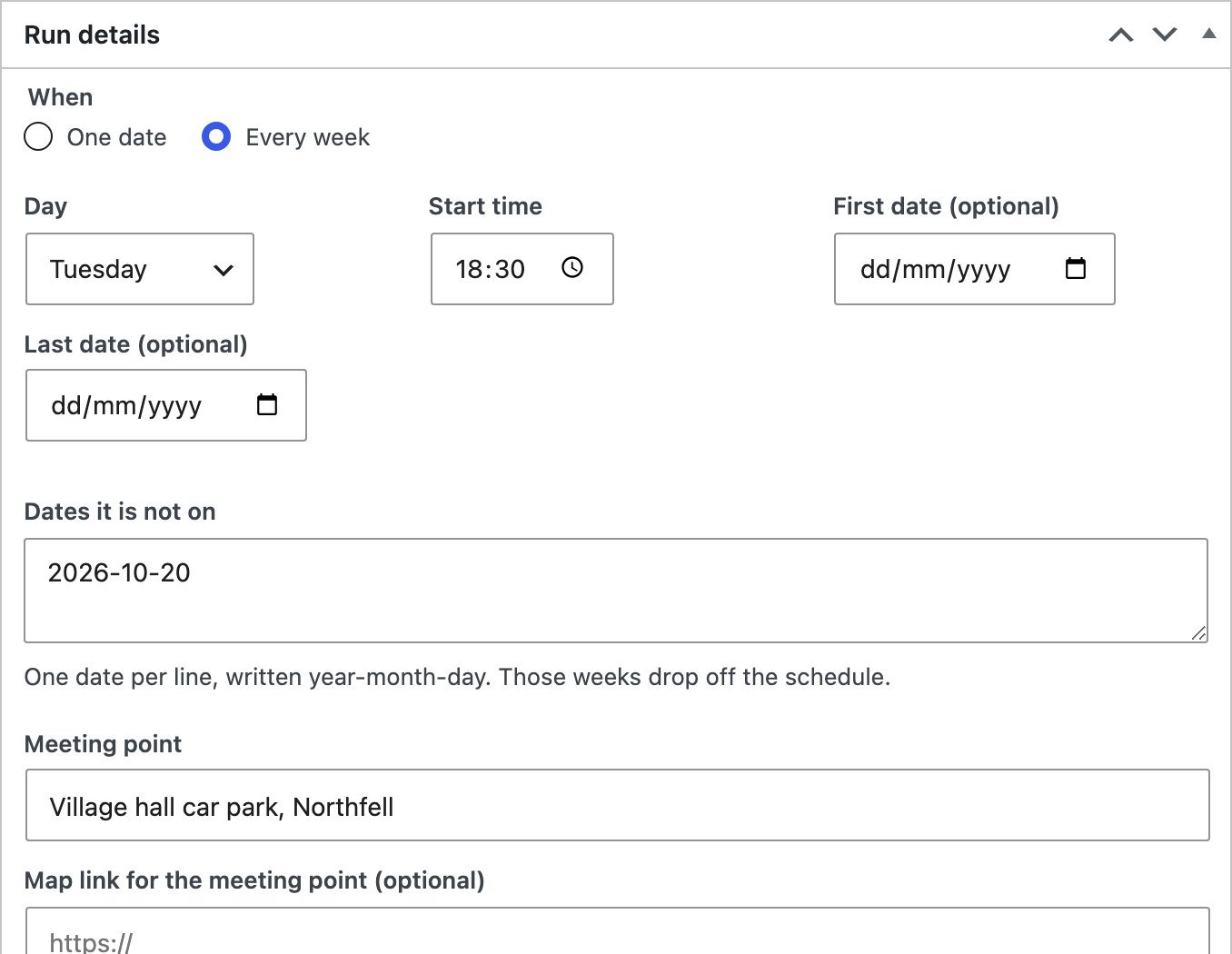
See each part
the pages under this oneWant it for your club or race?
The plugins are free. Read how to set them up, or look round the demo first.
Get the website kit →